Techrise POS
Production POS system for retail chains and restaurants — tackled hard offline-sync bugs, debugged race conditions in concurrent checkout flows, and reviewed PRs across a Vue 3 + Electron + Docker stack. Built barcode-first in-memory lookup, M-Pesa push payments, and a warm-cache strategy that eliminated transaction latency under flaky internet.
Overview
Techrise POS is an offline-first point-of-sale system for multi-branch retail businesses and restaurant chains. It handles everything from ringing up a sale to managing stock across locations — and because it runs on the same device as a cash register, transaction latency and resilience under poor connectivity are first-class constraints, not afterthoughts.
The Problem
Retail clients were running legacy POS software that had no visibility across branches, no mobile support, and payment integrations bolted on as afterthoughts. Stock levels were reconciled manually at end of day.
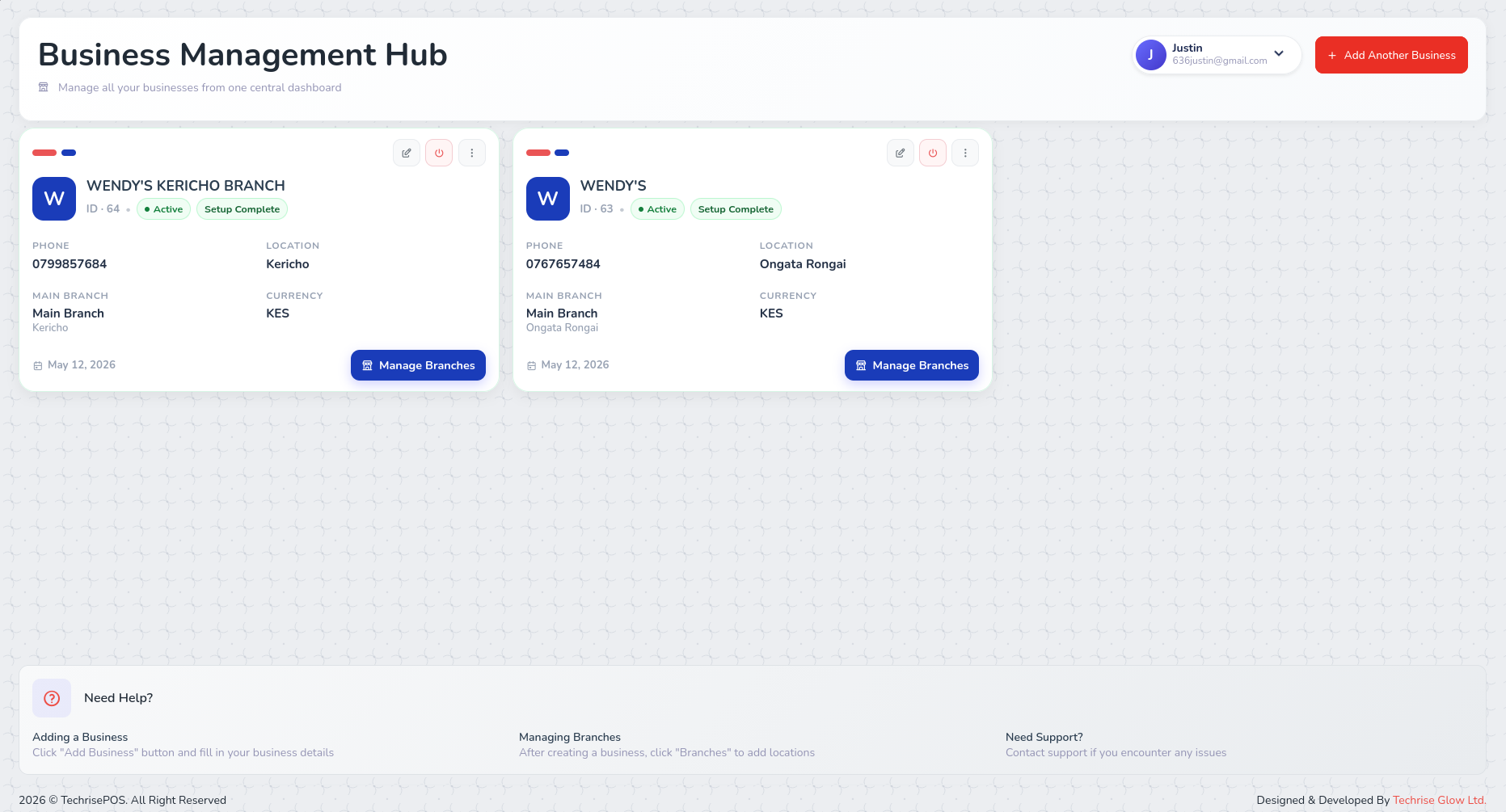
The goal was a responsive, web-first POS that could run on a tablet or desktop, integrate natively with MPesa, and give managers real-time inventory and sales data across all locations.
Technical Decisions
Vue 3 Composition API with Pinia
Vue's Composition API made it straightforward to write reusable logic for things like cart state, payment flows, and permission checks as composables. Pinia with pinia-plugin-persistedstate kept cart and session state across page reloads without manual serialisation — important when a cashier accidentally refreshes mid-transaction.
Warm cache on app initialisation
bootstrapCache.js preloads products, categories, customers, and payment methods on login. This adds ~1–2 seconds to startup but eliminates loading spinners during active transactions. In a retail context, latency at the point of sale is more disruptive than startup time.
Axios with interceptors
A single Axios instance handles all API calls with Bearer token injection and automatic logout on 401. Error handling is centralised — components call service functions and get back normalised responses rather than catching raw HTTP errors.
M-Pesa push-notification payments
M-Pesa checkout initiates a push notification to the customer's phone, then polls for completion. The polling loop lives in a service function so the component just awaits a resolved payment status — no raw HTTP errors surface to the UI layer.
Barcode-first in-memory product lookup
Products are indexed by barcode in the catalog preloader. Scanning resolves instantly from in-memory state rather than hitting the API on every scan, making checkout latency effectively zero for the most common operation.
Electron packaging for physical terminals
The Vue app is packaged as an Electron desktop application for deployment on dedicated POS hardware. This eliminates browser chrome, enables full-screen kiosk mode, and gives the app access to native printer and barcode scanner APIs without requiring a browser extension.
Docker for terminal environments
Each physical client terminal runs a Docker-containerized local environment (app + local database replica). This enforces database consistency across machines, provides strong isolation between branches, and makes reproducing or rolling back a terminal's state fast — important when a hardware failure means swapping a machine mid-shift.
Key Features
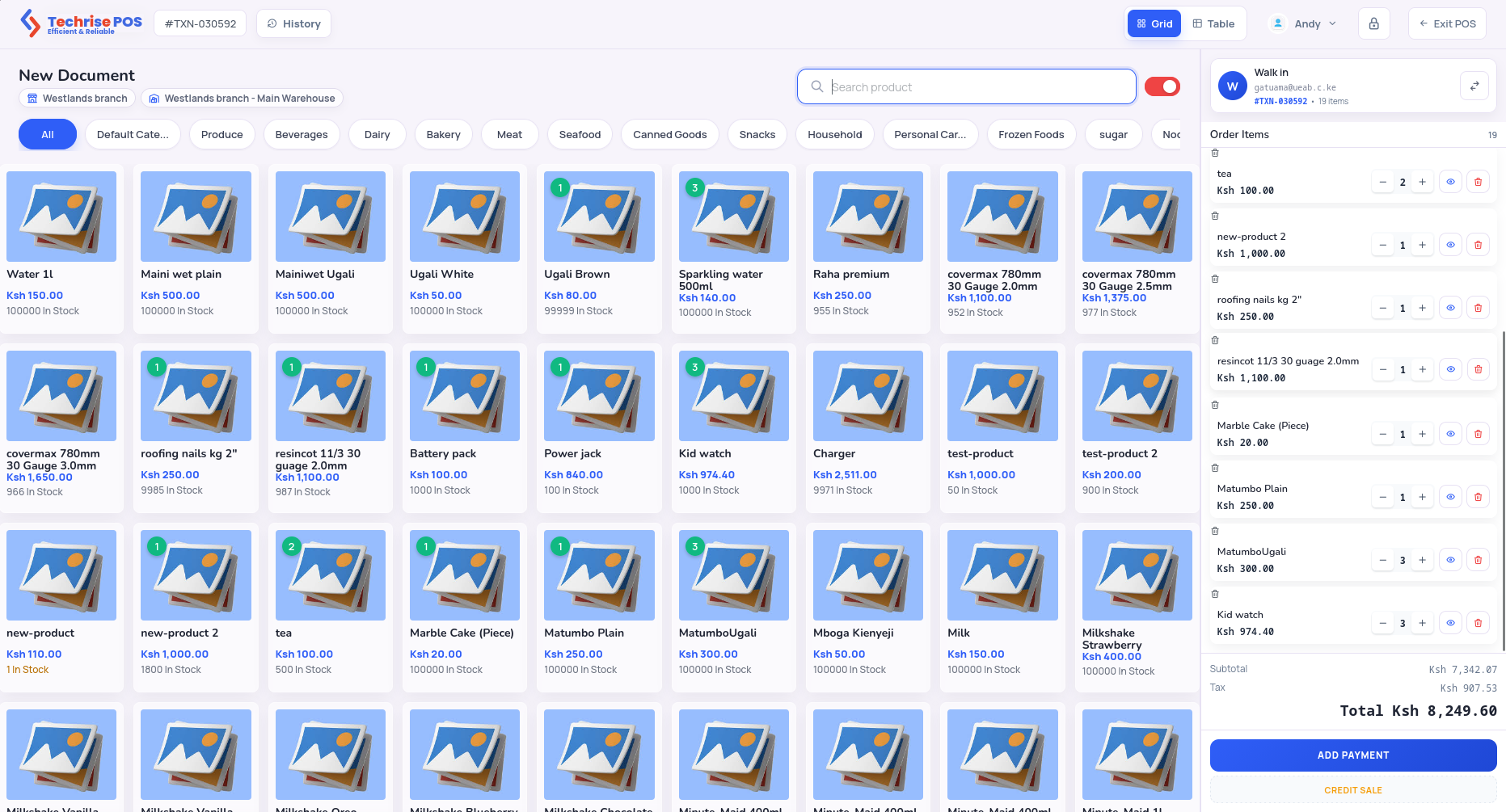
- Multiple POS layouts — configurable UI modes for different setups (counter, restaurant, desk)
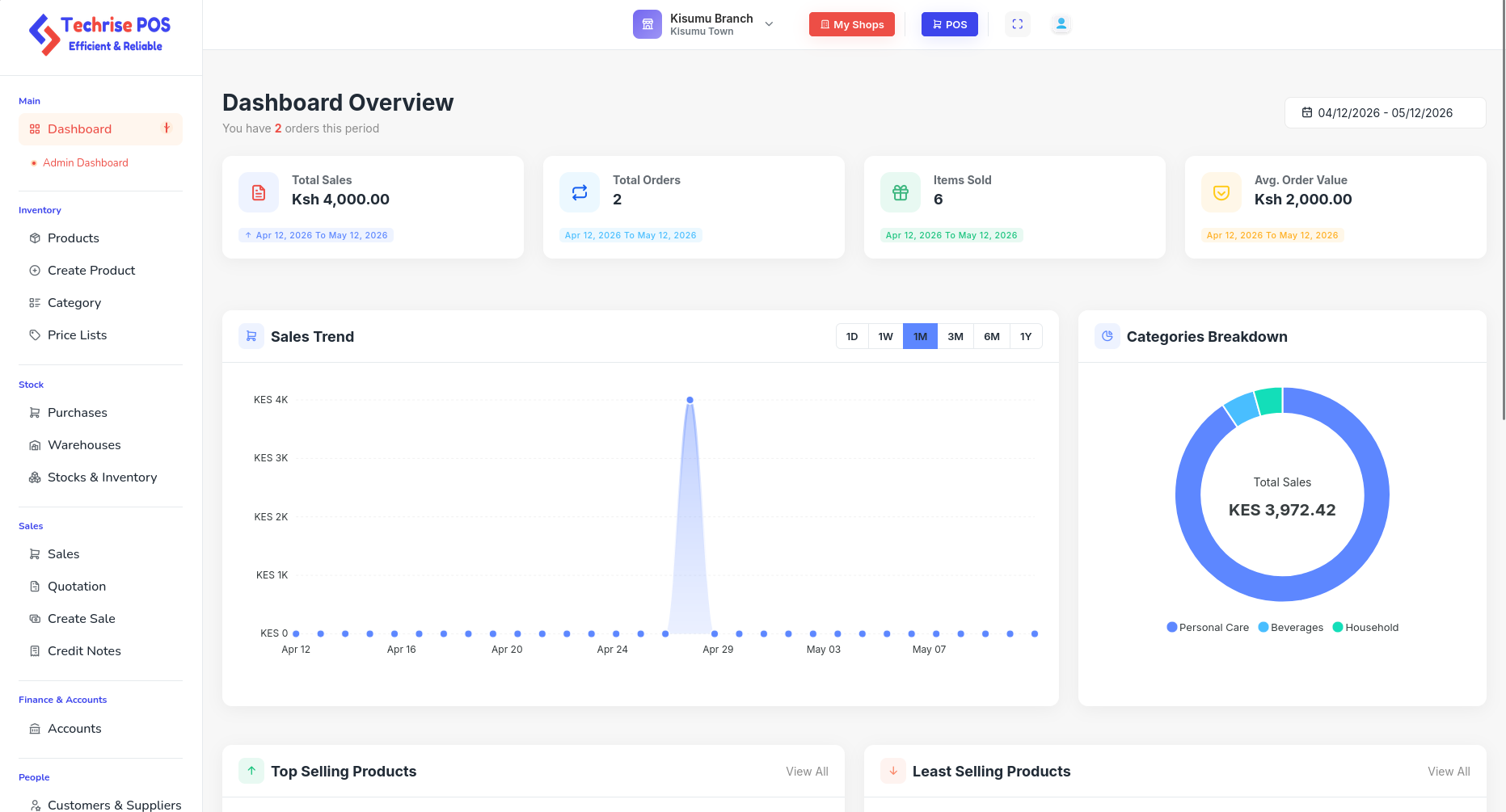
- Real-time inventory — stock levels update on sale; low-stock alerts surface in the dashboard
- Multi-branch management — managers switch between branches from a single login; sales and stock are branch-scoped
- Payment flexibility — cash, card, and MPesa in the same transaction flow
- Receipt printing — PDF receipts generated client-side with jsPDF and html2canvas; no print server needed
- Purchase orders — create POs against suppliers and receive stock directly into inventory
- Role-based access — route guards enforce permissions from the API's permission matrix
Tradeoffs
Having three UI component libraries (PrimeVue, Ant Design Vue, Bootstrap Vue) in the same codebase creates inconsistency and inflates the bundle. It reflects the realities of incremental development — different modules were built at different times — but rationalising to a single library is on the backlog.
Client-side PDF and receipt generation works well but is sensitive to browser print settings and screen DPI. A dedicated print service would be more reliable.
Retrospective
The warm cache strategy was the right call — transaction latency is the metric that matters most in POS. Containerizing the terminal environments with Docker was also the right call early: it made onboarding new physical hardware a non-event and gave us strong guarantees about database state across branches.
What I'd do differently: plan for full offline mode from day one rather than bolting on resilience incrementally. The Docker + local DB replica gives partial offline support, but a proper conflict-resolution strategy for syncing transactions when connectivity resumes would make the system genuinely disconnection-proof rather than just latency-tolerant.